
Drawing & delivery-history reports
 Manufacturing · Documents / SHINCHUK
The right products for this workflow.
Reduce the search for drawings and item history before every report. Prepare three report formats from the same records so the team can focus on review and field work.
Explore the original work and resultsA proposed configuration of current products, based on work previously delivered.
See each product at work.
Turn drawings and item history into reports.
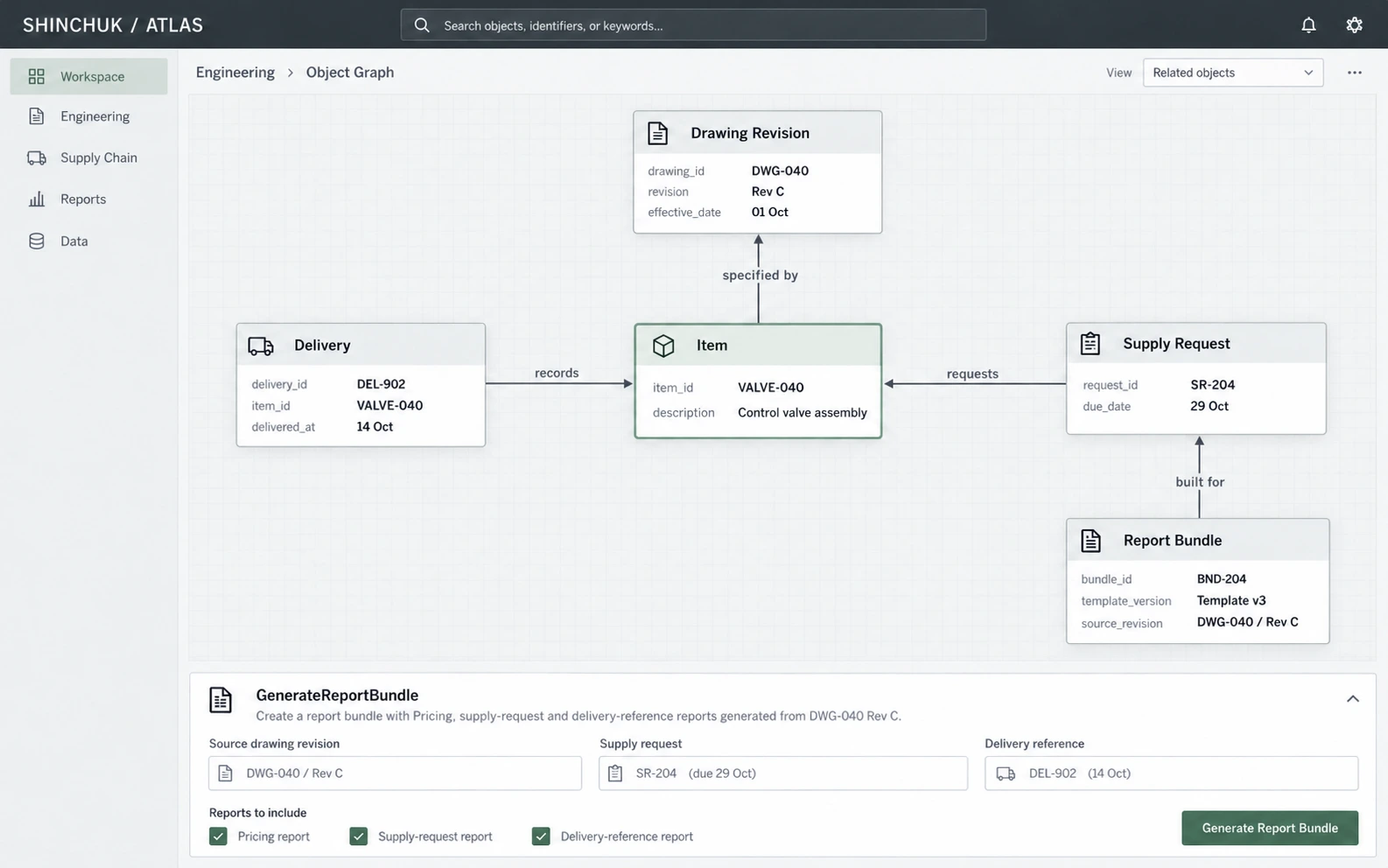
ATLAS connects item records, ERP drawings, revisions, and delivery history. It brings together the work of finding drawings, checking deliveries, and transferring the same information into several report templates.
Once reviewed, the records generate three report formats. The team can return to the connected drawings and history when checking a report, with less repeated entry. This creates a consistent preparation process for repeated reporting and gives people more time for content review and field requests.