
Global automotive-parts enterprise+ SHINCHUK
From an ERP purchase request to the supplier's inbox

Making an impact in everyday work

We connected the recurring work of an automotive-parts procurement team: checking requests, preparing purchase orders, confirming approval, and sending emails.
What changed in this workflow
- 1,000 per month
- 15 min per item → Automated
- Approx. 250 hours per month
- The work shifted from reading requests and rewriting documents to reviewing prepared orders and exceptions.
Time savings are calculated from volume and the change in time per item, based on the implementation and validation records in the existing casebook.
An anonymized implementation story, including work completed by the SHINCHUK team in previous organizations and projects.
Requests lived in the ERP. Placing orders still depended on manual work.
For each new request, the procurement owner looked up supplier and item details, quantities, and the requested receipt date before preparing the order. Values already in the ERP were entered again in documents and emails.
Creating the purchase order was only part of the job. The owner checked intermediate results and approvals before dispatching it to the supplier. Request review, document preparation, and sending repeated across 1,000 items each month.
The scope went beyond generating a file. We connected request values to supplier documents and recipients, sequencing the process so only owner-confirmed results left the company.
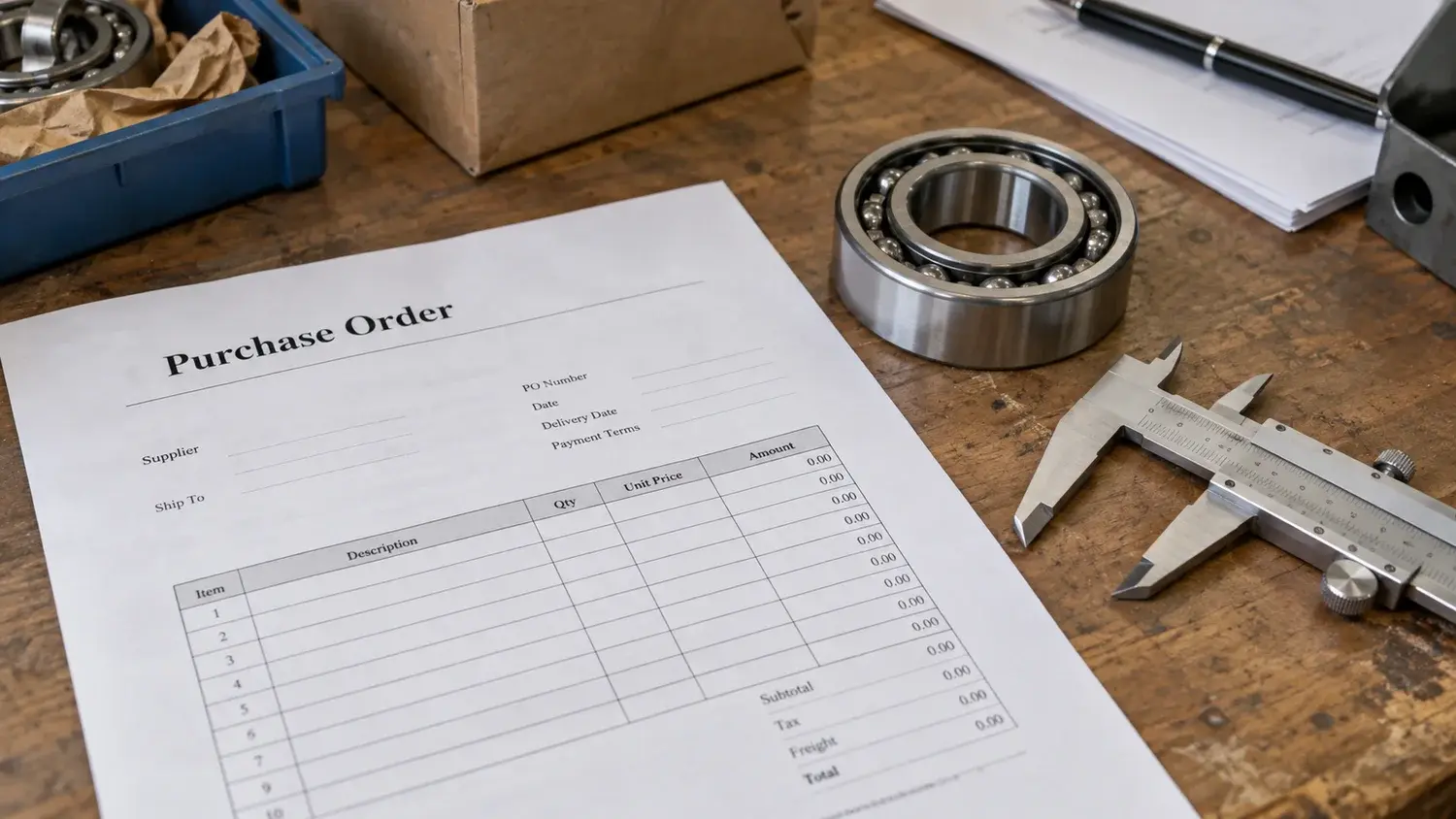
Carry the same values into the order and the email
Collect new purchase requests
We checked the ERP for new requests at defined intervals. Supplier, item, quantity, and requested receipt date became the starting point for subsequent processing.
New requests and supplier/item information
Check rules and prepare purchase orders
We compared each request with internal criteria and prepared supplier-specific orders. The same request information also determined the dispatch recipients.
Supplier purchase orders and recipients
Review interim results and approval items
Owners reviewed prepared outputs and items needing approval. Document creation and dispatch remained separate: generating a file did not trigger sending it.
Dispatch list reflecting confirmed approvals
Send emails and record history
The source records and review results are attached to this handoff.
Approved orders were emailed to each supplier with processing history retained. Owners no longer moved the same values between document and email preparation.
Purchase orders and dispatch history
The owner focuses on approvals and exceptions
The system retrieves requests and prepares documents and emails. Owners review intermediate results and determine approvals.
The work shifted from reading requests and rewriting documents to reviewing prepared orders and exceptions.

What the team can use
- Supplier purchase ordersDocuments populated with requested items, quantities, and delivery terms
- Approval queueRequests and intermediate results the owner must check before dispatch
- Dispatch historyA processing record from purchase-order creation through email delivery
System handlesCollect requests → Prepare documents → Send after approvalOwner reviewsReview intermediate results · Determine approvals